
Which Starlink Dish Is Actually Worth Buying in 2026?
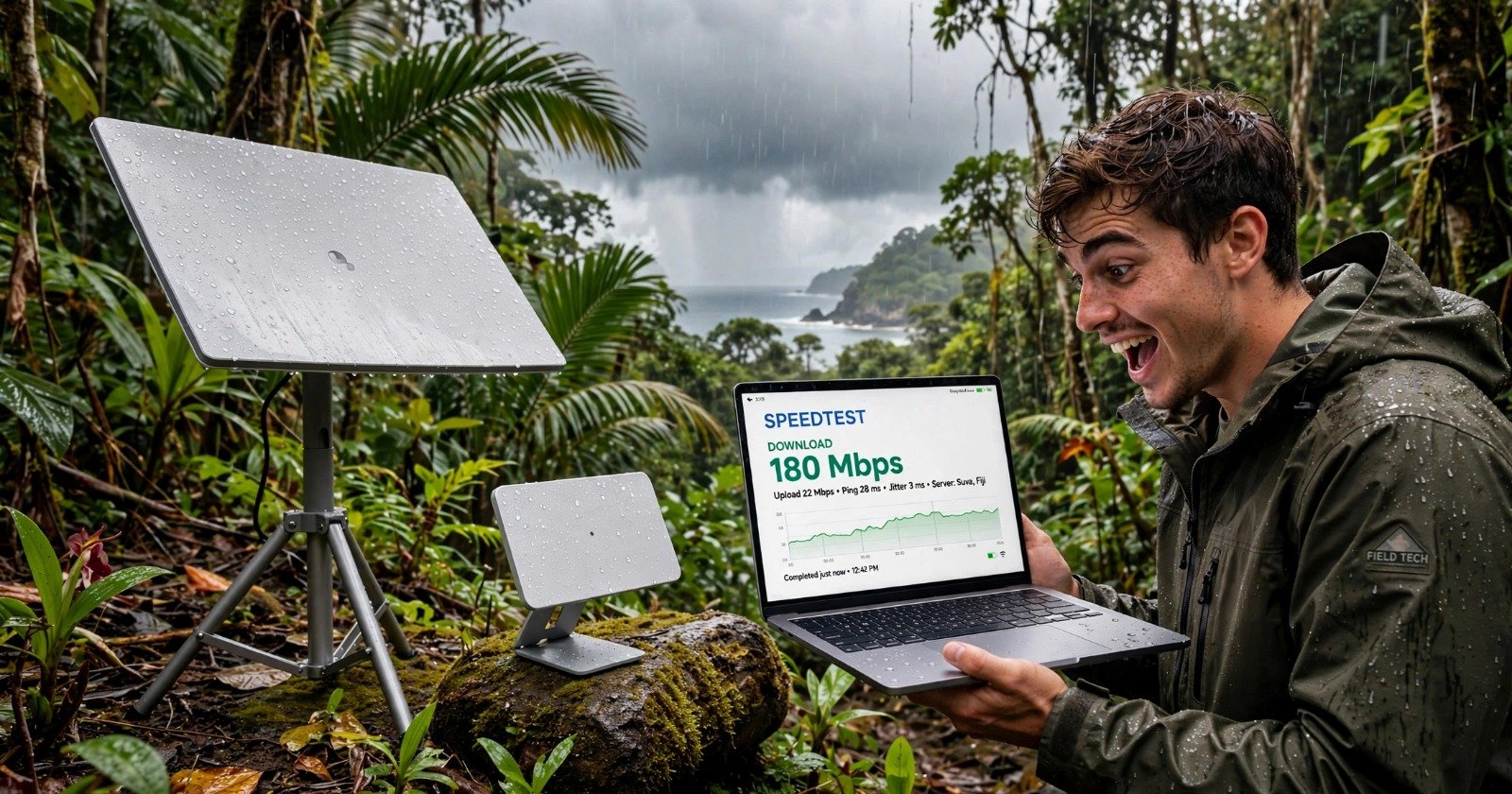
After testing Starlink for 30 days off-grid on a remote island with dense forest, heavy rain, and zero cell coverage, I learned one thing: the cheapest dish is not always the right dish.
Starlink now has 6 active hardware options. Here is how they actually compare in real use, not just on the spec sheet.
Authored by: Exploraphones Field Test Team | Tested in remote forest/island environment, Indonesia | Last Updated: October 2026
Quick Comparison Table
| Dish Model | Best For | Size / Weight | Avg. Power | Max Download | Field of View |
|---|---|---|---|---|---|
| Standard V4 | Most Homes | 23.4″ x 15″ / 6.4 lbs | 75-100W | 400+ Mbps | 110° |
| Standard V5 | Small Homes / Low Power | 15.1″ x 12″ / 2.4 lbs | 35-50W | 375 Mbps | 110° |
| ★ TESTED Mini | Travel, RV, Backup | 11.75″ x 10.2″ / 2.4 lbs | 20-40W | 300 Mbps | 110° |
| Performance Gen 2 | Moving RVs / Boats | Larger / Wedge Mount | 110W | 450 Mbps | 140° |
| Performance Gen 3 | Business / Extreme Weather | Heavy Duty IP69K | 70W | 475 Mbps | 140° |
| Enterprise | Fixed Business Sites | Same as V4 + 50m cable | 75-100W | 400+ Mbps | 110° |
* Data based on Starlink official specs + 30-day field test in forest island environment. Results vary by location.
1. Standard V4 – The Default for Most People
This is the one most rural families in the US should buy. It comes with a kickstand, power supply, and cable. You choose between Router Mini (Standard kit) or Router 3 (Standard X kit). No motor, you point it manually once and software does the rest.
My experience: This dish handles rain well, but needs clear sky. If you have trees, you will need to mount it higher.
Buy if: You want stable home internet for streaming, Zoom, and gaming.
2. Standard V5 – The New Small One
This is NOT faster than V4. It is smaller, lighter, and uses half the power. Starlink launched it in 2026 in select areas.
Trade-off: You save on power (only 35-50W vs 75-100W) but peak speed is slightly lower at 375 Mbps. Great for solar setups.
Buy if: You run on solar/battery or need a lighter roof install.
3. Starlink Mini – The One I Use Off-Grid
This is what I use daily in the forest. It has built-in WiFi, so no separate router. It weighs only 2.4 lbs and can even run on USB-C power bank with an adapter cable.
It started at $599 but is now $199 from Starlink directly in 2026. Speeds are 120-180 Mbps in real storm conditions, up to 300 Mbps advertised.
Buy if: You travel, camp, RV, or need a backup internet. You can use it at home too.
Get $100 in Cash or Service Credit
I invited you to Starlink — high-speed internet backed by the world’s most advanced satellite constellation. Starlink keeps you connected:
- At home — Reliable Residential internet available even in the most rural and remote locations.
- On the go — Connectivity for road trips, camping, and remote work without dead zones.
It’s easy to get started.
4 & 5. Performance Gen 2 & Gen 3 – For Moving Vehicles and Business
These are not for typical homes. Gen 2 was built as Flat High Performance for RVs and boats. It has a 140-degree view of the sky so it stays connected while moving. Gen 3 adds IP69K waterproof rating, survives -40°F to 140°F, and 174+ mph winds.
Buy if: You have a business, boat, or you live/work in extreme weather.
6. Enterprise Kit – For Custom Networks
Same dish as Standard but with a 164-foot (50m) cable and no included Starlink router. It is made to plug into your own business router.
Buy if: You are a business that needs long cable runs and custom networking.
So, Which Should You Actually Buy?
Based on my 30-day field test:
- For 90% of homes in rural US: Get the Standard V4. It is the most proven.
- For off-grid, solar, or small cabin: Get the V5 if available in your area.
- For portability and forest areas: Get the Mini. This is what survived heavy tree cover and tropical storms in my test.
- For RV, boat, or business: Look at Performance Gen 2 or Gen 3.
Do not buy Enterprise or Performance unless you really need it. You will overpay for features you will not use.
Transparency: I purchased the Mini and Standard kits myself. No sponsorship from Starlink. Speedtests were done using Speedtest.net and Starlink app obstruction tests over 30 days. Results vary by location and obstructions.
Get $100 in Cash or Service Credit
I invited you to Starlink — high-speed internet backed by the world’s most advanced satellite constellation. Starlink keeps you connected:
- At home — Reliable Residential internet available even in the most rural and remote locations.
- On the go — Connectivity for road trips, camping, and remote work without dead zones.
It’s easy to get started.